To start collecting social registrations with Foursquare, you need to get your Foursquare app up and running. Here's how:
Create Your App in Foursquare
1. Sign into Foursquare at the Developer site

2. Click on Create a new app

3. Fill in your app details
For your Detailed Description, don't worry about being too detailed. Something like "I'm creating an app to monitor my customers/fans across different social networks" should do.
The only field you need to fill in for AE is Redirect URI. Add in: https://theappreciationengine.com/FoursquareAuthenticator_Controller
Important
If you're on a custom AE Enterprise plan you'll have a custom domain. Make sure to add it in front. E.g.https://sony.theappreciationengine.com/FoursquareAuthenticator_Controller
Fill in your details and press the Save changes button.

4. Successful!
The page will reload and you'll see your app on the page with the client ID and secret.

Setup Your Foursquare App on AE
1. Go back to your AE dashboard tab
If you don't have AE open already, go to another tab and log into your AE dashboard account. Open the application you want to configure, then click the Social Apps tab on its Manage page.
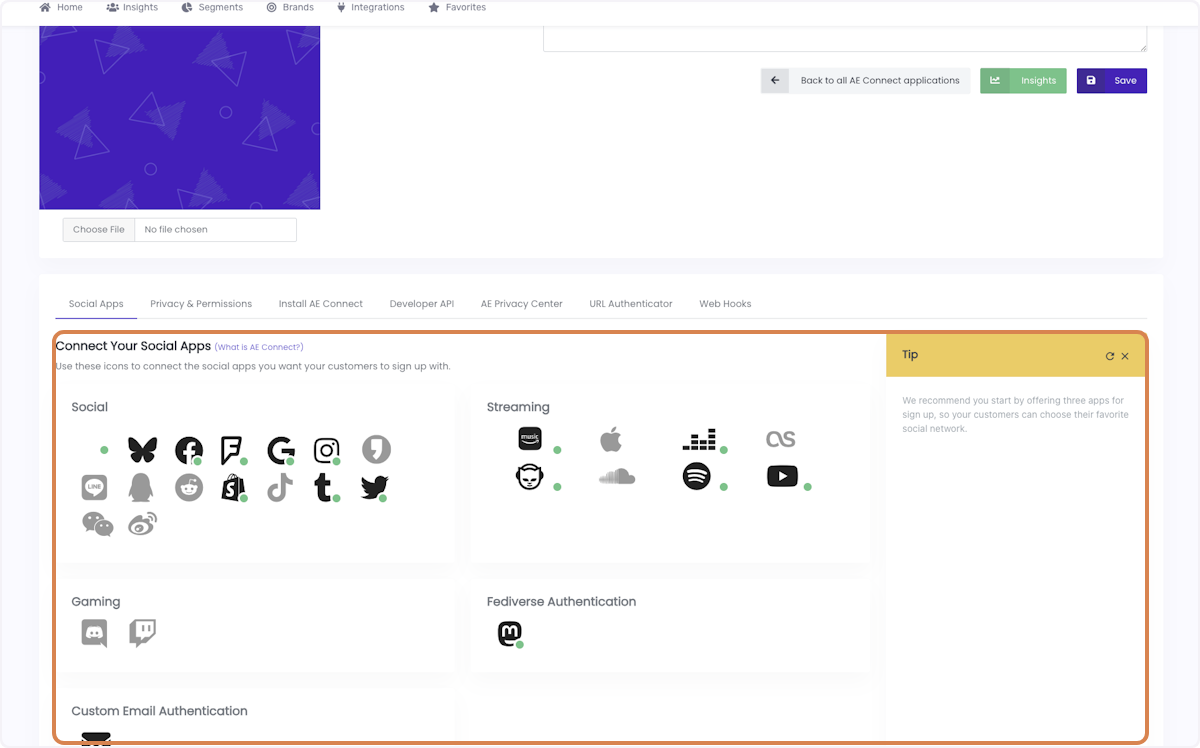
2. In the Connect Your Social Apps section, select the Foursquare icon
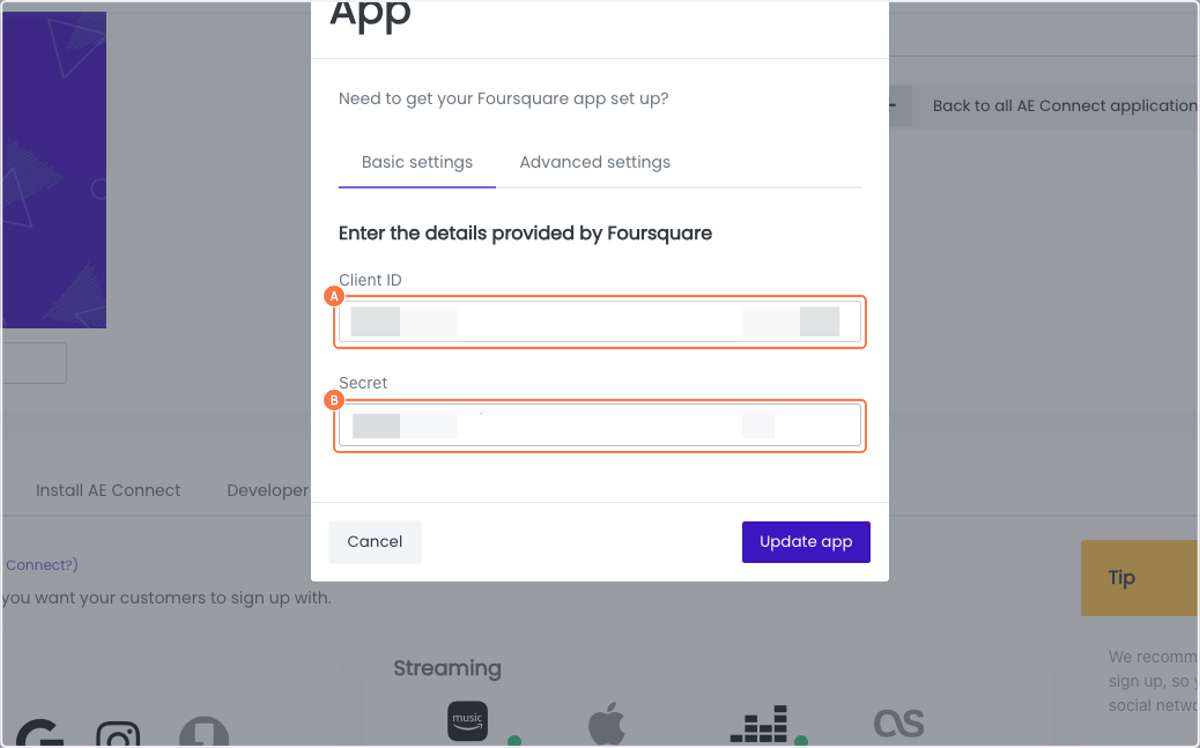
3. Copy your Client ID and Secret into the AE window (Basic settings tab)
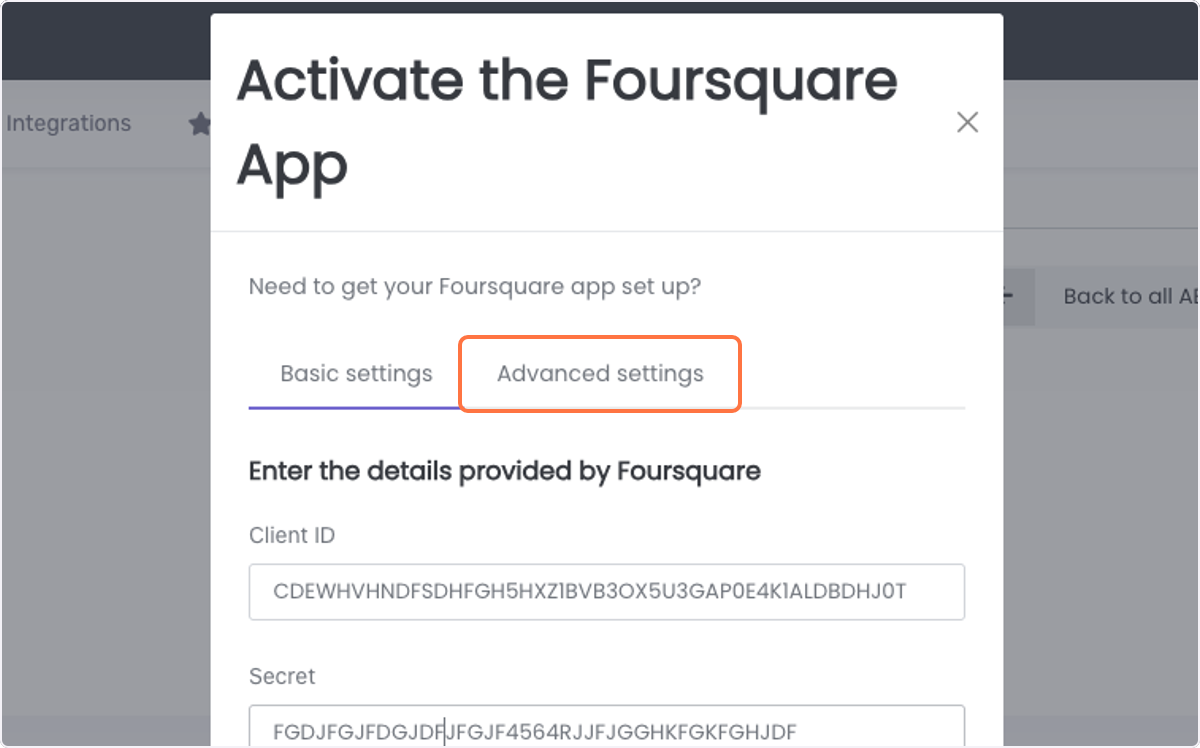
4. Optional: click the Advanced settings tab to review or customize the requested permissions — add additional permissions one at a time if needed
5. Press the Update app button
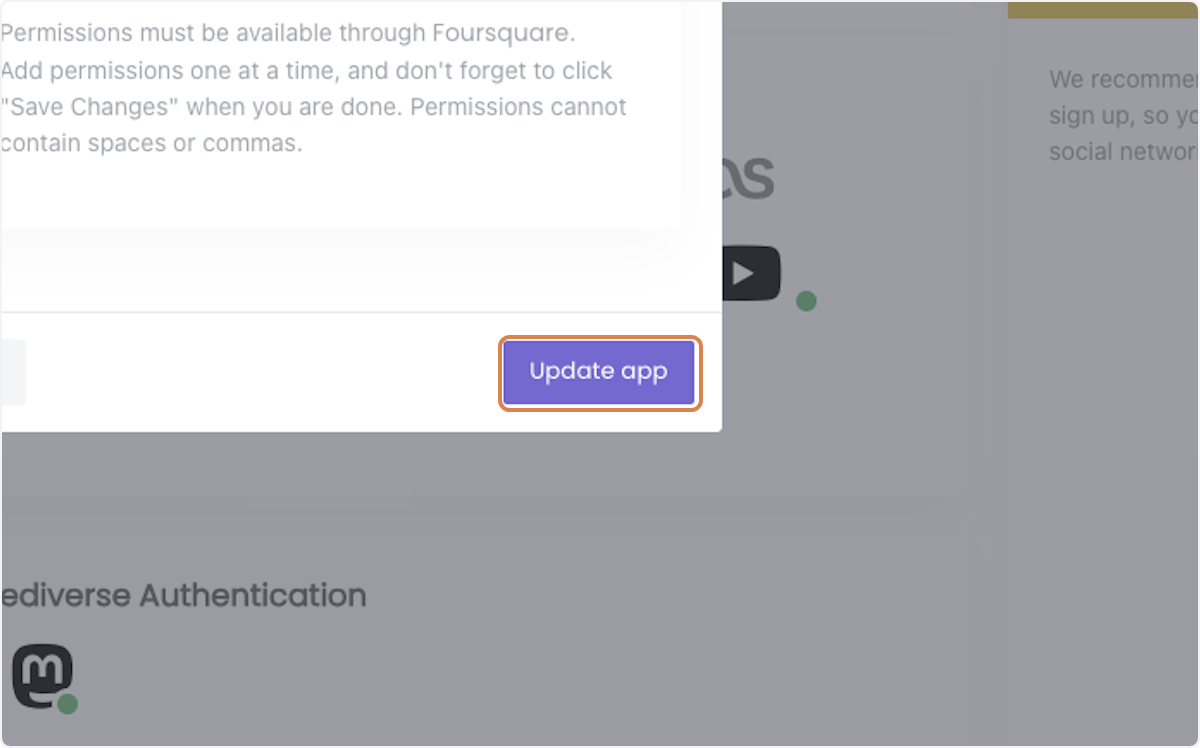
6. You can see your Foursquare app is live with AE
7. High five!
You've connected Foursquare to AE.
Connect other social networks:
Or choose from the full list.
If you are ready, install AE Connect, our social login solution, into your website.
Was this article helpful?
That’s Great!
Thank you for your feedback
Sorry! We couldn't be helpful
Thank you for your feedback
Feedback sent
We appreciate your effort and will try to fix the article